Key Integrations with Leading Core Systems
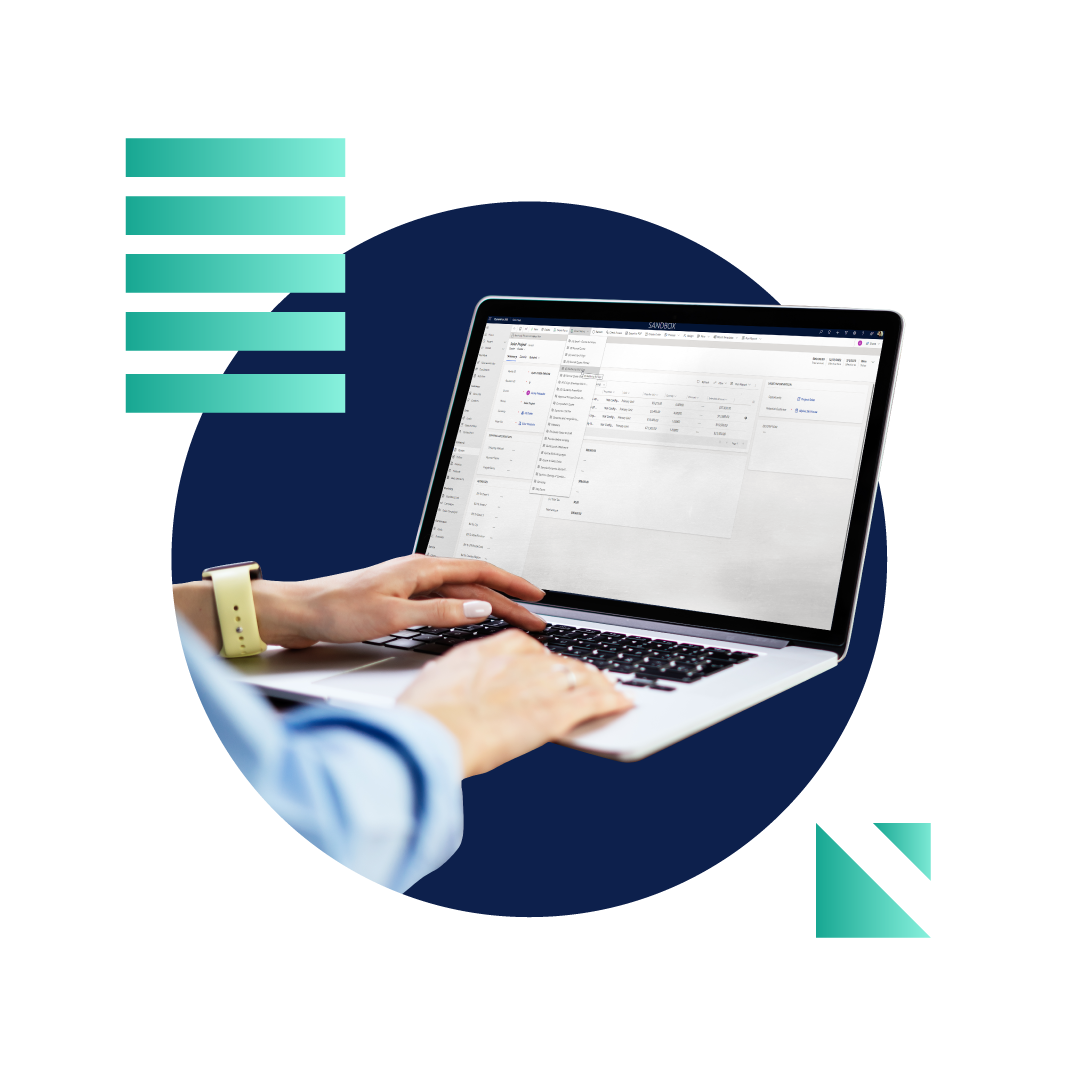
Dynamics 365
Document Automation for Microsoft Dynamics 365

Dynamics 365 Sales

Dynamics 365 Finance

Document Automation for Microsoft Power Platform
Integration with business data, applications and processes
Leverage approval and business process flows, customer data, standard and custom entities, connections to any applications, and more, to build streamlined, automated processes for the generation, management, delivery, storage, and e-signature of business-critical documents.
Document Automation for Salesforce
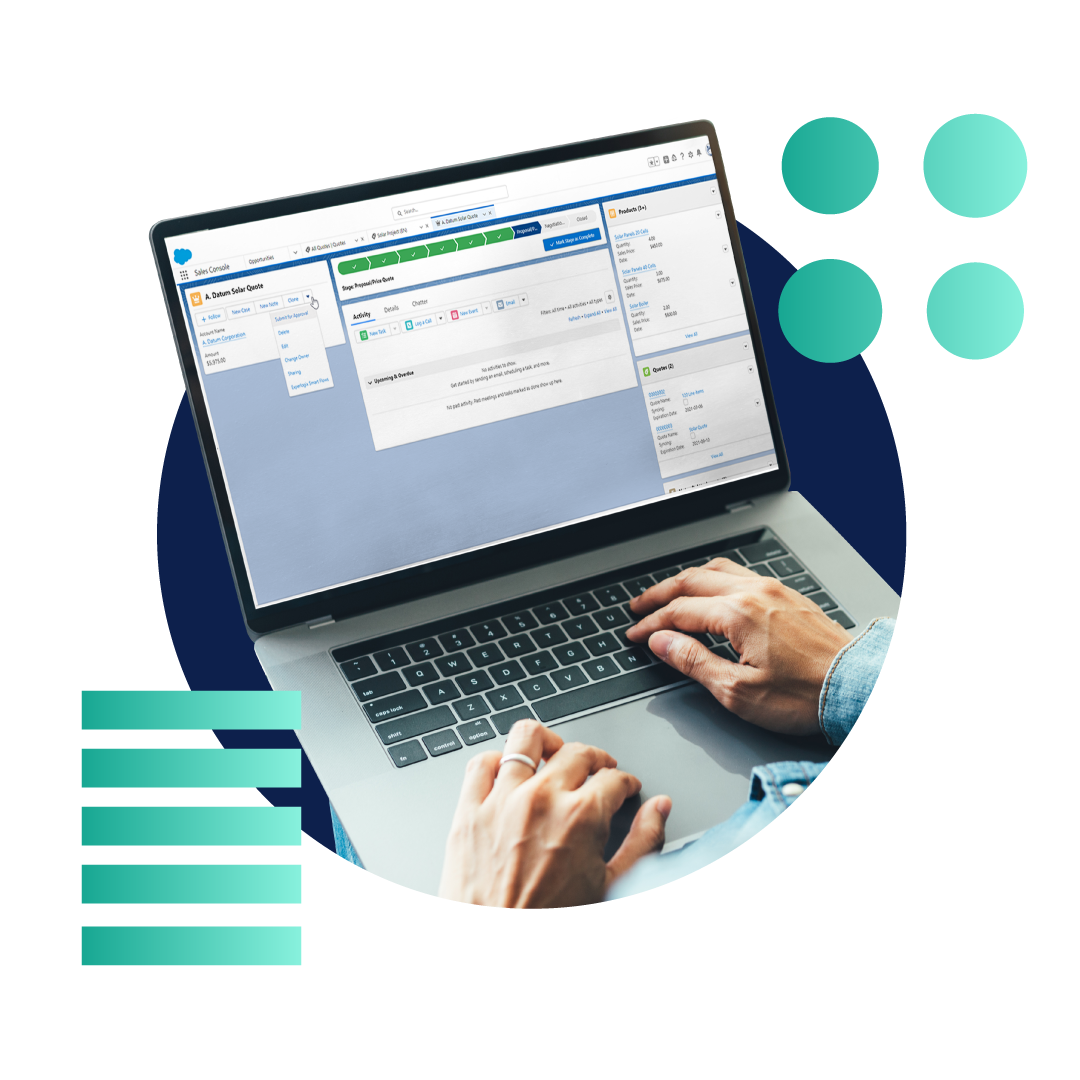
Powerful document generation and automation solution
Easily model and deploy flows from a Salesforce Opportunity and arrange flow steps with an intuitive user interface without programming. Take advantage of robust yet user-friendly capabilities that make the generation, management, delivery, and storage of business-critical documents effortless.

Document Automation for SugarCRM
Simple and complex document templates without programming
Deliver high-quality, engaging documents with dynamic templates and aggregate Sugar data with data that lives elsewhere. Run flows that store, retrieve and deliver generated documents to their relevant recipients through a variety of channels all without ever leaving SugarCRM.
FAQ
You’ve got questions. We’ve got answers.
What is Document Automation?
What is the difference between document generation and document automation?
How does document automation software work?
Experlogix Document Automation works by allowing users to build templates in Microsoft Word. It includes features such as Smart Flows, which are automated workflows that allow users to go beyond basic document generation. For example, you can create a smart flow to automatically send a customized email with a generated document attached.
With our solution’s deep integration with Word, you can build document templates of virtually any complexity, including content like text, media, graphs and analytics.
Does document automation software require programming skills?
Experlogix Document Automation does not require programming skills to use effectively. Knowledge of basic logic and Excel math is helpful, especially when building more advanced templates. However, most users can learn to build and customize basic document templates.