If you run quoting on Salesforce CPQ, the end-of-sale announcement probably raised one practical question: if you keep investing in Salesforce, will you eventually have to rebuild your quoting process on a different Salesforce product? The end of sale changed what Salesforce sells to new customers. It did not change what you can keep running. This article explains your options, including a third path: keep Salesforce CRM as your system of record and replace only the configure-price-quote (CPQ) layer.
TL;DR
- Salesforce stopped selling Salesforce CPQ to new customers in March 2025. This is end of sale, not end of life. Existing customers can keep using it, renew it, add users and receive support. Salesforce has not announced an end-of-life date.
- Salesforce has moved its strategic investment to Revenue Cloud Advanced, now part of Agentforce Revenue Management. Moving there means reimplementing on a different data model. It is not an upgrade.
- You have three paths. You can stay on Salesforce CPQ for now, reimplement on Revenue Cloud, or keep Salesforce CRM and replace the quoting layer with a third-party CPQ.
- Teams often overlook the third path. If a replacement CPQ reads from and writes back to Salesforce CRM objects, you can stay on Salesforce and change only the part that is holding you back.
- Vendor loyalty should not drive the decision. What matters is where your quote data lives, how complex your products are and how much rework each path requires.
What the Salesforce CPQ End of Sale Actually Changes
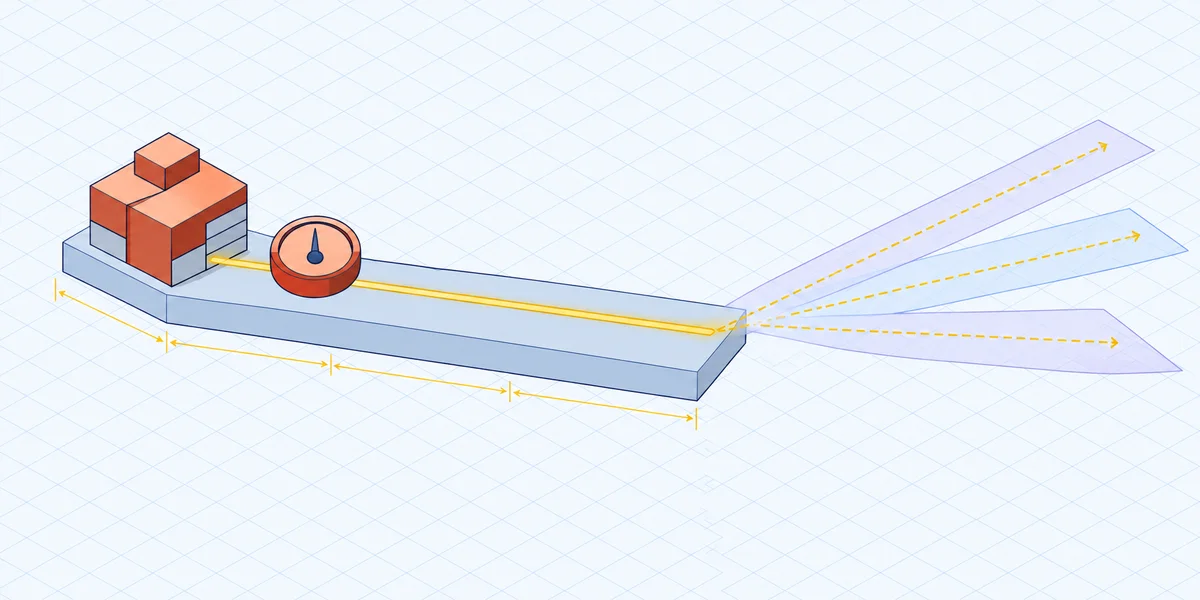
The end of sale closed Salesforce CPQ to new buyers, not to existing customers. If you already use it, you can keep using it, renew your licenses and add users, and support continues. Salesforce has not announced a forced migration or published an end-of-life date. For the renewal and license details, see what end of sale means for your renewal.
What did change is where Salesforce is investing. Active development has moved to Revenue Cloud, and Salesforce CPQ now gets little new feature development. The platform is stable but static. That stability helps if your quoting works well today. It becomes a problem if your product catalog, pricing model or quote volume is still growing.
In practice, you have no deadline, but you do need a plan. Any roadmap for the next several years should assume Salesforce CPQ will stay roughly where it is today.
Your Three Realistic Paths
You have three defensible choices, and each fits a different situation. This article focuses on the third. For the full comparison of the three paths, see the side-by-side guide.
Path one: stay on Salesforce CPQ
Staying makes sense under four conditions: your quoting is moderately complex, your rules are stable, your admins can maintain what you have, and you have no major catalog or pricing changes planned. Salesforce CPQ handles moderately complex subscription and product quoting well, and it runs directly on Salesforce CRM data. Choosing to stay is not avoidance. You are spending your change budget elsewhere while the market settles. The risk is technical debt that builds up without much notice. That includes Quote Calculator Plugin (QCP) customizations, layers of product and price rules, and configuration that only a specialist can maintain. All of it costs more to unwind the longer it stays in place.
Path two: reimplement on Revenue Cloud
Revenue Cloud Advanced is Salesforce's strategic successor. It is a broader revenue platform with an attribute-based catalog, pricing procedures and an API-first architecture. It is a sensible destination if you want to stay entirely within Salesforce's product line and already plan a broader quote-to-cash redesign. Be realistic about scope. Revenue Cloud uses a different architecture and data model, so plan the move as a redesign. Your SBQQ objects, bundle structures, rules, QCP logic, approval workflows and quote templates won't carry over as configuration. You will rebuild and retest them. That is a full program of work, not a quick fix.
Path three: keep Salesforce CRM, replace the quoting layer
Many teams don't consider this path carefully enough. The end of sale doesn't require you to change your CRM. Salesforce CRM remains your system of record for accounts, opportunities, contacts, products and price books. The only component under review is the CPQ engine that runs on top of it.
Your pain may come from configuration depth, rule maintenance, performance on large quotes or manufacturing output rather than from the CRM itself. If so, replacing only the quoting layer is the smaller, more targeted change. Your sales team also stays on Salesforce, with the same opportunity records, reporting and security model they already use.
Why "Stay on Salesforce" and "Replace Salesforce CPQ" Are Not Opposites
A third-party CPQ can work directly with Salesforce CRM data instead of copying it into a separate platform. When it does, staying on Salesforce and replacing Salesforce CPQ are complementary decisions.
This architectural difference matters. Some quoting tools copy your catalog, accounts and opportunities into their own database and sync results back. Those tools tend to cause the same problems: stale or mismatched records, sync failures, duplicate records and more middleware to maintain. For how these approaches compare, see the breakdown of native, synced and embedded CPQ architectures.
When you evaluate a CPQ replacement, including options on the Salesforce AppExchange, look past architecture labels and ask operational questions:
- Where does the authoritative quote record live?
- Which system handles pricing and configuration?
- Does the tool write back to standard or custom Salesforce objects, and does that require a developer?
- What happens to quoting if the integration layer goes down?
For a fuller question set, see how to evaluate CPQ Salesforce integration.
How Experlogix CPQ Approaches This
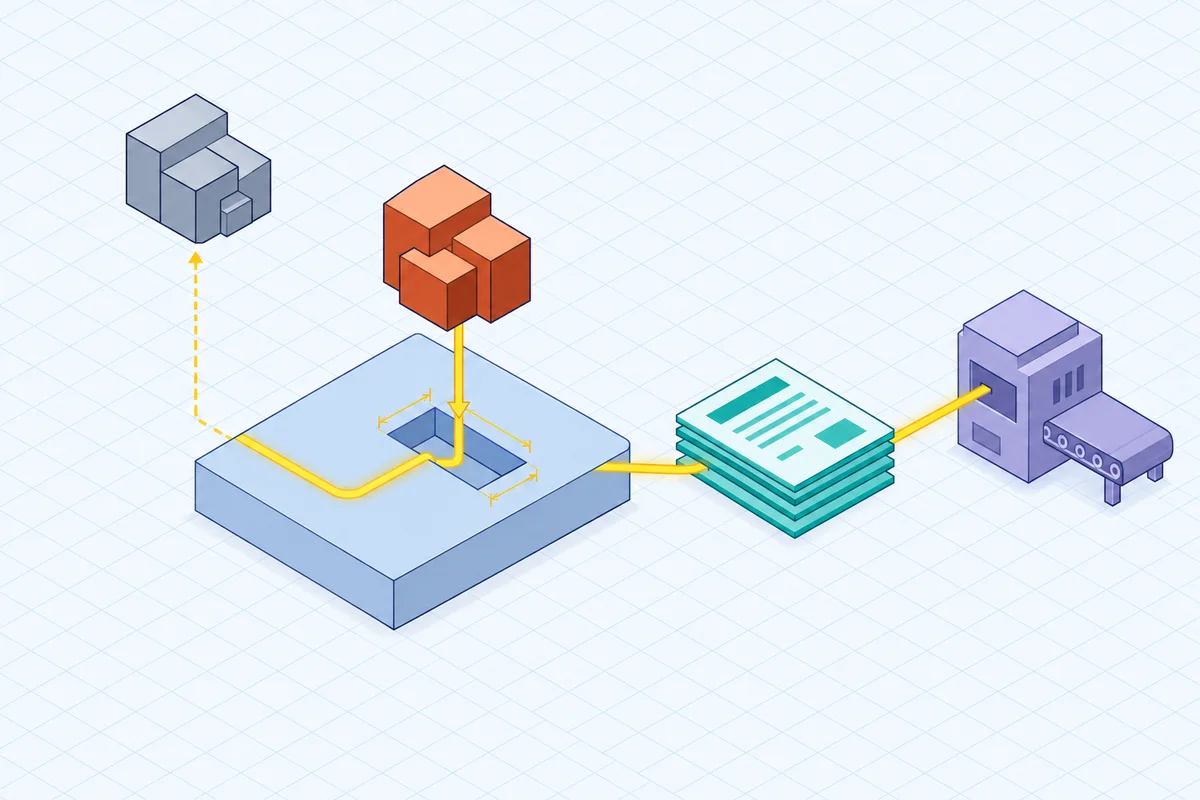
Experlogix CPQ works with Salesforce CRM data and moves data in both directions between the CPQ and the CRM. It doesn't only pull data from Salesforce. It writes configuration details, pricing calculations and approval status back in real time, and it can write to standard or custom Salesforce objects without developers. Cloud Connect™ synchronizes quotes, orders and approvals across CRM and ERP (enterprise resource planning) systems without custom code. That removes the middleware and point-to-point integrations that tend to break when a platform updates.
Reps configure, price and quote without leaving Salesforce. They work in the CRM interface they already know, with no separate login and no switching between tools. Because the surrounding workflow doesn't change, the CPQ replacement is easier for reps to adopt.
If complexity is why you are looking at alternatives, Experlogix offers industrial-grade quoting for Salesforce. It handles hundreds of configuration options and builds logic-driven product models with a rule engine. Guided selling steers users toward valid configurations. It also supports multi-tier pricing, multi-level bill of materials (BOM) and routing automation, and handoff into ERP for production. Business users can update pricing, rules and product logic through a low-code rule builder without waiting on a developer or consultant. For proposal and contract output, Experlogix Document Automation for Salesforce generates documents from Salesforce data.
Experlogix isn't the right fit for every team. A different path may serve you better in three cases: your catalog is simple, your quoting is purely self-service subscriptions, or you have already committed to Revenue Cloud Advanced as part of a wider revenue platform strategy. Keeping the quoting layer on your CRM data pays off most when configuration depth, mixed revenue streams or manufacturing output are central to how you sell.
What to Weigh Before You Decide
Work through these questions in order. Answer them using your hardest real quote, not a demo catalog.
- Is the problem your CRM or your quoting layer? Only a quoting-layer problem justifies replacing your CPQ.
- How much custom logic do you have today? Count QCP scripts, product rules, price rules, flows, Apex, approval chains and templates. That inventory sizes the work for every path, including Revenue Cloud, and drives the migration timelines by path.
- Where do you want your system of record? If the answer is Salesforce CRM, screen candidates on how they read from and write to Salesforce objects.
- Who will maintain the rules after go-live? If every change needs a developer, that cost keeps growing.
- What do downstream teams need? If quotes must produce manufacturing-ready BOMs and routings for ERP, test that explicitly.
- How will the old and new systems coexist? Salesforce CPQ is still supported, so you can pilot and run both in parallel instead of switching over all at once.
The Bottom Line on Replacing Salesforce CPQ Without Leaving Salesforce CRM
The Salesforce CPQ end of sale is a signal, not a deadline. You can renew, keep your users and keep support, and no end-of-life date has been announced. What you can't count on is new capability arriving in Salesforce CPQ. Plan on a stable platform, not a growing one.
The right path depends on where your constraint is:
- Stay on Salesforce CPQ if your quoting is moderately complex and stable.
- Reimplement on Revenue Cloud if you want to stay entirely within Salesforce's product line and are ready to redesign your catalog, rules and documents.
- Keep Salesforce CRM and replace only the quoting layer if configuration depth, rule maintenance or manufacturing output is the problem, not the CRM. This is often the smallest change that works.
Teams that scope the decision this way usually avoid two expensive mistakes. One is migrating under time pressure that doesn't exist. The other is rebuilding an entire revenue stack when only one component needed to change. Start with an inventory. Document your current product bundles, rules, QCP customizations, approval thresholds, templates and integration points. Then use your most complex live quote as the test case for every path you are considering.
FAQ
Can a company replace Salesforce CPQ and keep Salesforce CRM?
Yes. The end of sale affects only the CPQ product, not Salesforce CRM. You can keep Salesforce CRM as your system of record for accounts, opportunities, contacts, products and price books, and replace only the quoting layer. Choose a CPQ that reads from and writes back to Salesforce objects so you aren't maintaining a separate copy of your data.
Do you have to move to Revenue Cloud if you stay on Salesforce?
No. Revenue Cloud is Salesforce's strategic successor, but you don't have to adopt it to stay on Salesforce CRM. Existing customers can keep using Salesforce CPQ, and you can also keep Salesforce CRM and adopt a third-party CPQ. Moving to Revenue Cloud means reimplementing on a different data model, so treat it as a deliberate choice, not a default.
Can Salesforce CPQ and a replacement CPQ run in parallel during a transition?
In many cases, yes. Salesforce CPQ is still supported for existing customers, so you aren't forced into a hard cutover. You can pilot a replacement on a subset of products, teams or quote types and validate it against your most complex live quotes. Then you can expand once the results match. Plan the parallel period carefully so everyone knows which system owns each quote.
Which parts of Salesforce stay the same when only the quoting layer is replaced?
Salesforce CRM stays your system of record. Accounts, opportunities, contacts, products, price books, reporting and your security model all remain in place. Reps keep working in the same opportunity and account context. The pieces that change are the configuration, pricing and quote logic, and how quote output reaches downstream systems.
What should you ask an AppExchange CPQ vendor about data architecture?
Ask four things: where the authoritative quote record lives, which system handles pricing and configuration, whether the tool writes back to standard or custom Salesforce objects without developers, and what happens to quoting if the integration layer goes down. These answers show whether a tool works with your CRM data or copies it into a separate platform that has to be kept in sync. For a fuller checklist, see how to evaluate CPQ Salesforce integration.
Keep Salesforce CRM. Change only the quoting layer.