
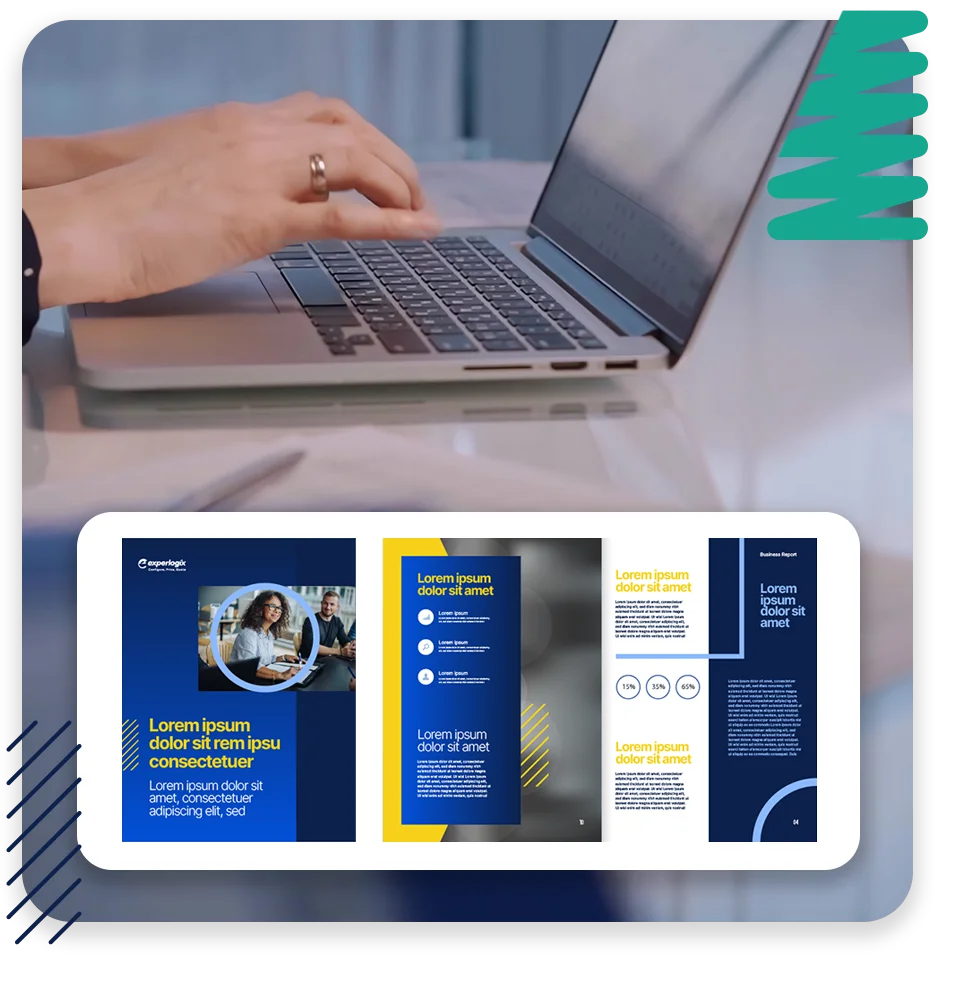
Build Templates That Work as Hard as Your Team Does With the Experlogix Template Builder
Build complex templates in a familiar environment
Why learn a new tool when you already know one? With the Experlogix Template Builder, you design templates using our familiar Microsoft Word add-in.
Take full control over layout, branding and content logic.
Start from existing word documents and easily embed digital images, graphics, and multimedia content.
Empower your entire team to build and modify templates as needed.
Incorporate all the features of Microsoft Word while building simple or complex templates.
Key Benefits

Consistency Across Documents
Ensure every output reflects your brand standards and approved language.

Personalization at Scale
Use dynamic fields and conditional logic to tailor content for each customer, product, or region.

Compliance Built-In
Embed regulatory clauses and business rules directly into templates to reduce risk.

Faster Document Creation
Eliminate repetitive formatting and manual updates.
Build and Edit Templates in Microsoft Word
Craft documents that respond to your business data and customer needs. Ensure your generated documents are customized and accurate, whether that’s a quote, contract, invoice or compliance report.
- Include conditional content, language variations, data-driven logic and auto-expanding tables or lists.
- Incorporate calculations and complex conditions, as well as conditions for inclusion or exclusion of content.
- Apply pre-defined formatting to date, time, number, and currency fields along with specific customized formatting.
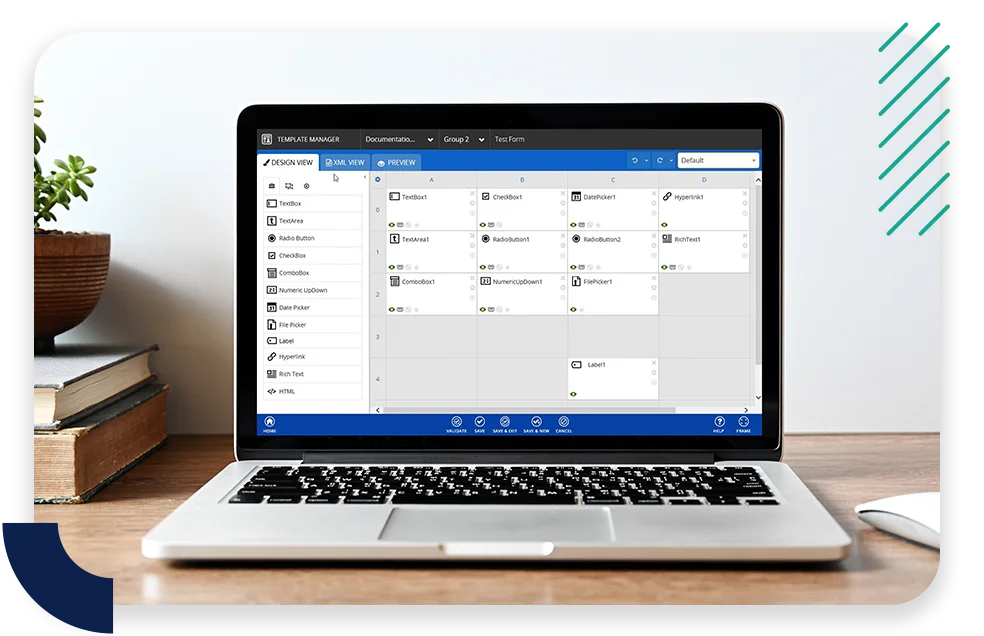
Reuse, Adapt and Scale
Once built, templates become business assets. They can be shared across workflows, adjusted for region-specific rules or reused with minimal effort.
- Ensure template governance and fewer “one-off” documents.
- Get consistency across departments without creating dozens of near-duplicate templates.
- Update existing templates instantly and shorten the time from idea to deployment.
- Generate Barcodes and QR codes,
Ready to See Experlogix in Action?
Shorten sales cycles, increase average order values, and personalize interactions across the customer journey.