If you run Salesforce CPQ today, the integration question has changed. It is no longer "does our CPQ live in Salesforce?" but "where does quoting logic run, where does quote data live, and who maintains it?" This article compares Salesforce CPQ and Experlogix CPQ on Salesforce CRM integration specifically: architecture, user experience, administration, implementation, and total cost of ownership. The goal is to help you judge which approach fits your catalog and your team.
TL;DR
- Salesforce CPQ (configure, price, quote) has reached end of sale for new customers. It has not reached end of life. Existing customers can keep using it, renew, and receive support, and Salesforce has not announced an end-of-life date.
- Salesforce CPQ is a managed package built on the Salesforce platform. Its integration advantage is that quote records are standard Salesforce objects. Its constraint is that the same platform design limits configuration depth, rule maintenance, and large-quote performance.
- Experlogix CPQ takes a different route for Salesforce CRM integration. It provides an embedded quoting experience inside Salesforce and can read from and write to standard or custom Salesforce objects, including configuration detail, pricing calculations, and approval status.
- In a Salesforce CPQ vs Experlogix comparison, the deciding factors are usually configuration complexity, manufacturing output such as bills of materials (BOMs) and routings, who administers the rules, and the total cost of ownership across licenses, consultants, and middleware.
- If your quoting is moderately complex and lives entirely inside Salesforce, it can be perfectly reasonable to stay where you are or to plan a Revenue Cloud Advanced reimplementation. If complex configuration drives most of your revenue, a dedicated configurator attached to Salesforce CRM deserves a serious look.
What "Salesforce CRM Integration" Actually Means in a CPQ Comparison
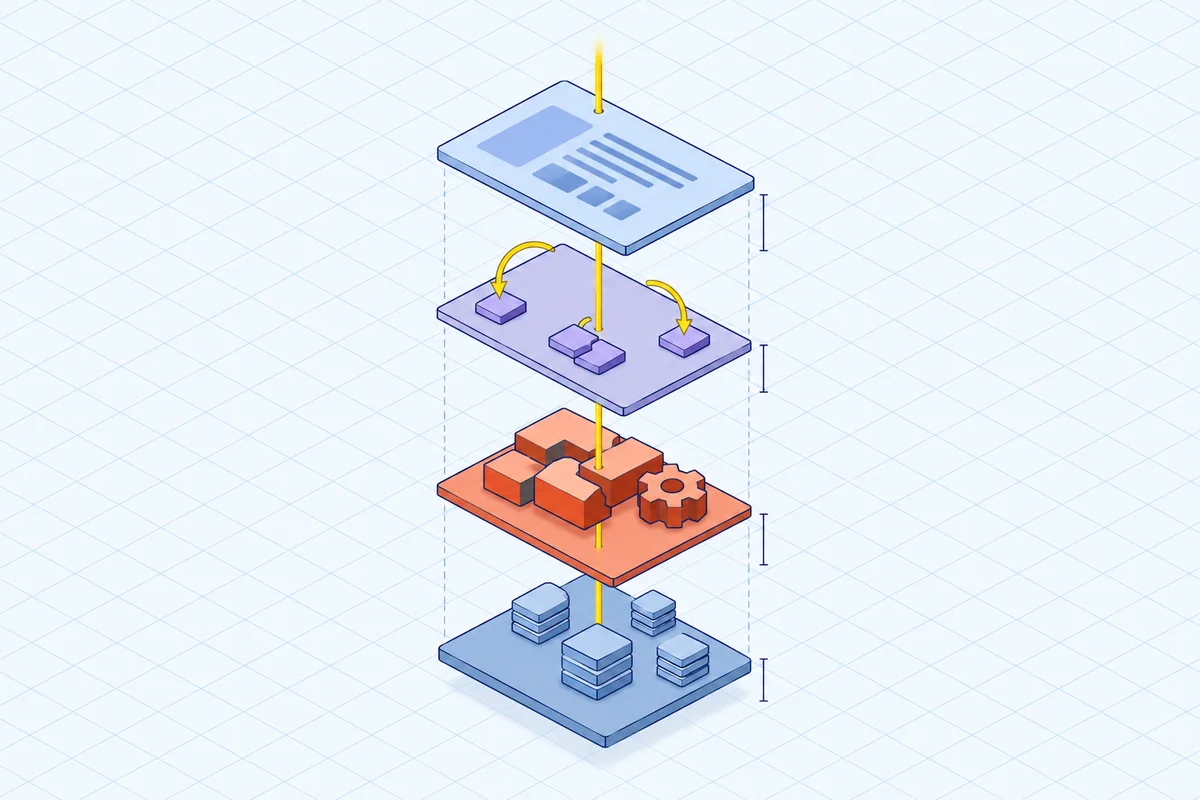
Integration is not one property. It is four. A useful CPQ comparison separates them, because vendors use "native," "embedded," and "integrated" loosely, and Salesforce CPQ and Experlogix CPQ answer each one differently.
- System of record: which platform holds the authoritative account, opportunity, product, and quote data.
- Execution location: where configuration rules and pricing calculations actually run.
- Write-back: which Salesforce objects the CPQ reads and writes, and whether that requires developer work.
- User experience: whether sellers stay in the opportunity and account context they already know.
A CPQ can score well on one and poorly on another. Salesforce CPQ scores strongly on system of record and object alignment because it is a managed package on the platform. Its trade-offs show up in execution. Rule volume, nested bundles, and large quotes all run inside the same governed platform that runs everything else in your org.
Salesforce CPQ: What the Managed-Package Architecture Gives You and Costs You
Salesforce CPQ's integration strength is structural. Quotes, quote lines, products, and price books are Salesforce objects, so reporting, sharing rules, field-level security, and platform automation apply directly. That is a real advantage for companies with moderate configuration needs whose quoting lives entirely in the Salesforce ecosystem, and it is one reason many customers are in no hurry to move.
The costs appear as complexity grows. Salesforce CPQ expresses its logic through product rules and price rules. When those are not enough, teams add Quote Calculator Plugin (QCP) JavaScript customizations. Layered workflows, regional approval chains, and compliance-specific logic often require bespoke code, so what should be an administrator change becomes a development ticket. Deep bundle nesting, large catalogs, and high rule volume can slow quote calculation and make the rule set hard to reason about. These are the managed-package limits that matter most at scale.
A second cost shows up outside the CRM. Salesforce CPQ performs well within the Salesforce ecosystem. Some quoting depends on enterprise resource planning (ERP) data, though, such as live BOMs, component availability, or cost-driven pricing. In that case, teams often build custom middleware or replicate ERP structures into custom Salesforce tables. Keeping those structures in sync is where errors, rework, and margin erosion creep in.
The roadmap matters too. Salesforce's strategic investment has moved to Revenue Cloud Advanced (RCA). Salesforce CPQ is seeing limited new feature development. Moving to RCA is not an upgrade. It is a reimplementation on a different data model and configuration approach.
Experlogix CPQ: Embedded in Salesforce, With Salesforce as the System of Record
Experlogix CPQ embeds the quoting experience in Salesforce and keeps CRM data authoritative. Sellers configure, price, and quote without leaving Salesforce. They work in the interface they already know, with no separate login and no switching into an external tool.
The data behavior is the part worth checking closely in any feature comparison. Experlogix does not just pull data from Salesforce. It writes enriched configuration details, pricing calculations, and approval status back in real time. Its Cloud Connect integration writes to standard or custom Salesforce objects without developers. It also synchronizes quotes, orders, and approvals across CRM and ERP without custom code. That removes the middleware and point-to-point integrations that tend to break with every platform update.
This matters architecturally because quoting does not depend on copying records into a separate platform and syncing them back. That avoids the familiar downstream risks: stale or mismatched records, sync failures and delays, duplicate records and reconciliation work, reporting that reflects a copy rather than the source, extra integration maintenance, and governance exposure from storing data in more places than necessary.
Where the Configuration Depth Shows Up
Experlogix CPQ brings industrial-grade quoting to Salesforce. It handles hundreds of configuration options, multi-tier pricing, BOM and routing automation, and bi-directional data flow between CPQ and CRM. For manufacturers, that includes multi-level BOM generation, routing validation, and ERP handoff for production. In these scenarios, Salesforce CPQ typically needs custom development and middleware to support ERP-dependent quoting at scale. For more detail, see this guide to BOMs, routings and ERP handoff for manufacturers.
Administrators maintain rules, pricing, and workflows in the Admin & Design Center using low-code tools. Rules are built in the Design Center without programming knowledge, and calculations use the same formula syntax administrators already know from Microsoft Excel. Guided selling steers reps toward valid configurations.
Side-by-Side: The Criteria That Decide This Comparison
The two products differ less on whether they connect to Salesforce and more on where logic runs and who can change it.
- System of record: Salesforce CPQ stores quote data in Salesforce objects as a managed package. Experlogix keeps Salesforce CRM data authoritative and writes configuration, pricing, and approval results back to standard or custom Salesforce objects.
- Configuration depth: Salesforce CPQ handles low-to-moderate configuration well. Experlogix targets high option counts, logic-driven models, and nested complexity through its rule engine.
- Manufacturing output: Salesforce CPQ can support some BOM scenarios, usually with custom development. Experlogix generates multi-level BOMs, validates routings, and hands off to ERP.
- Administration: Changes in Salesforce CPQ often involve product rules, price rules, and QCP code, frequently with specialist or consultant help. Experlogix gives business administrators control of rule, pricing, and workflow maintenance through low-code tools. See what that admin ownership on day one looks like in practice.
- Integration maintenance: Salesforce CPQ often relies on middleware or custom sync for ERP and engineering data. Experlogix uses Cloud Connect to write to Salesforce objects and synchronize with ERP without custom code.
- Roadmap: Salesforce CPQ is stable but not advancing, and new investment is going into Revenue Cloud Advanced. Experlogix CPQ remains a dedicated configure-price-quote product.
Implementation and Total Cost of Ownership
Treat implementation as a comparison criterion, not an afterthought. Two traps are common and costly. The first is comparing build-versus-buy costs inaccurately. The second is choosing a CPQ without out-of-the-box read/write functionality. Without that functionality, teams end up with customizations, third-party integrators, and manual data entry that cancel out the benefit of automation.
A fair total cost of ownership model should include:
- licenses
- implementation services
- consultant dependency for routine changes
- middleware and integration upkeep
- testing and regression effort
- training
- the cost of each future product or pricing change
Experlogix sees several common reasons clients switch from Salesforce CPQ: configurability at scale, ERP sync for BOM and routing handoff, and lower total cost of ownership through less dependence on third-party integration and customization. Low-code administration that gives business users more control is another.
Scope matters too. Replacing only the quoting layer while keeping Salesforce CRM is a narrower project than a Revenue Cloud Advanced reimplementation, which changes the data model and configuration approach across the revenue process. Neither is automatically cheaper. It depends on how much of your logic is custom, how clean your catalog data is, and how many integrations touch your quotes. When you scope either path, compare realistic migration timelines alongside cost.
When Each Option Is the Better Fit
Be honest about fit before you run a feature comparison. Salesforce CPQ is still a reasonable fit when configuration demands are low to mid-level, quoting stays inside the Salesforce ecosystem, and complex workflow needs are limited. Nothing forces you to move. Renewals and support remain available.
A Revenue Cloud Advanced reimplementation is the logical path in three situations: you want to stay on Salesforce's own revenue roadmap, your model leans toward subscriptions, usage, and billing, and you have the appetite and budget for a redesign.
A dedicated configurator attached to Salesforce CRM, such as Experlogix CPQ, fits best when complex configuration drives most of your revenue. Typical signs include thousands of SKUs, nested bundles, hybrid offerings that combine physical products, services, and subscriptions, and manufacturing output requirements. It also fits when you want to move rule maintenance from developers to business administrators. Watch for the practical warning signs:
- relying on spreadsheets or middleware to carry CPQ logic
- slow quote generation caused by large catalogs or high rule volume
- maintenance and customization costs rising without a matching return
The Bottom Line on Salesforce CPQ vs Experlogix
Salesforce CPQ is supported, renewable, and still capable. But Salesforce is no longer investing in it, and its managed-package design limits how far your configuration and performance can stretch. The Salesforce CPQ vs Experlogix decision comes down to four questions:
- Where does quote data live?
- Where does configuration and pricing logic run?
- Who can change that logic without a developer?
- What does the whole arrangement cost to run each year?
Experlogix CPQ's answer is to stay embedded in Salesforce and treat CRM data as the system of record. It writes configuration detail, pricing, and approval status back to standard or custom Salesforce objects, and it handles BOM and routing output and ERP handoff without added middleware. That matters most to organizations whose products are genuinely complex and whose administrators want control. It matters less if your catalog is simple or your strategy is already committed to a Revenue Cloud Advanced redesign.
A practical next step is to take your hardest real quote, the one with the deepest nesting, the mixed revenue streams, and the regional pricing exceptions. Map exactly which system would hold each record, which rules would need code, and which objects would need to be written back. That one exercise will tell you more about Salesforce CRM integration fit than any feature checklist.
FAQ
What is the difference between Salesforce CPQ and Experlogix CPQ?
Salesforce CPQ is a managed package on the Salesforce platform. Its quotes are standard Salesforce objects, and complex logic often requires product rules, price rules, and QCP JavaScript. Experlogix CPQ is a dedicated configure-price-quote product embedded in Salesforce. It keeps Salesforce CRM data authoritative and writes configuration, pricing, and approval results back to standard or custom Salesforce objects. It also adds deeper configuration, BOM and routing output, and low-code administration.
Where does Experlogix CPQ run its configuration logic compared with Salesforce CPQ?
Salesforce CPQ runs its rules and pricing calculations inside the same governed Salesforce platform as the rest of your org. That is why rule volume, nested bundles, and large quotes can affect performance. Experlogix CPQ runs configuration and pricing in its own rule engine, presented inside Salesforce. Sellers never leave the CRM, and the results are written back to Salesforce objects in real time.
What should a CPQ total cost of ownership model include?
Look beyond license fees. Include implementation services, consultant dependency for routine changes, middleware and integration upkeep, testing and regression effort, training, and the cost of every future product or pricing change. Also check whether the CPQ has out-of-the-box read/write functionality with your CRM and ERP. Without it, customizations, third-party integrators, and manual data entry add cost that is easy to miss.
Can Experlogix CPQ formulas use Excel-style syntax?
Yes. In Experlogix CPQ, rules are built in the Design Center without programming knowledge, and calculations use the same formula syntax as Microsoft Excel. That helps business administrators maintain pricing and rule logic without writing code.
See how Experlogix CPQ works inside Salesforce